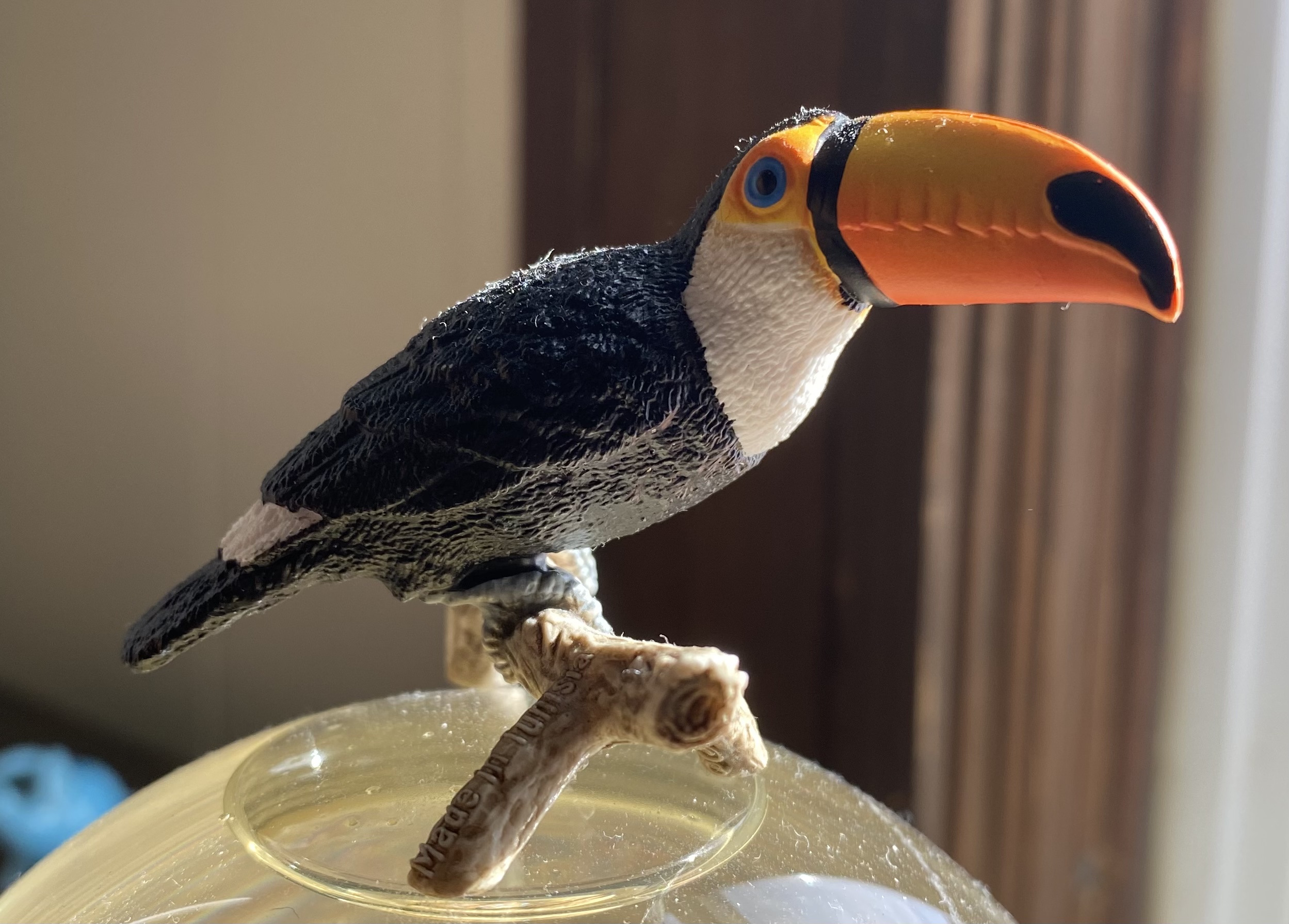
I just clicked “Add page” in the “Pages” part of the home thingy. This appears to be a paragraph block by default. When I have this block selected, I can see some options for it on the right, about text background typography etc. Let’s try adding a link to duckduckgo. That appears to have worked.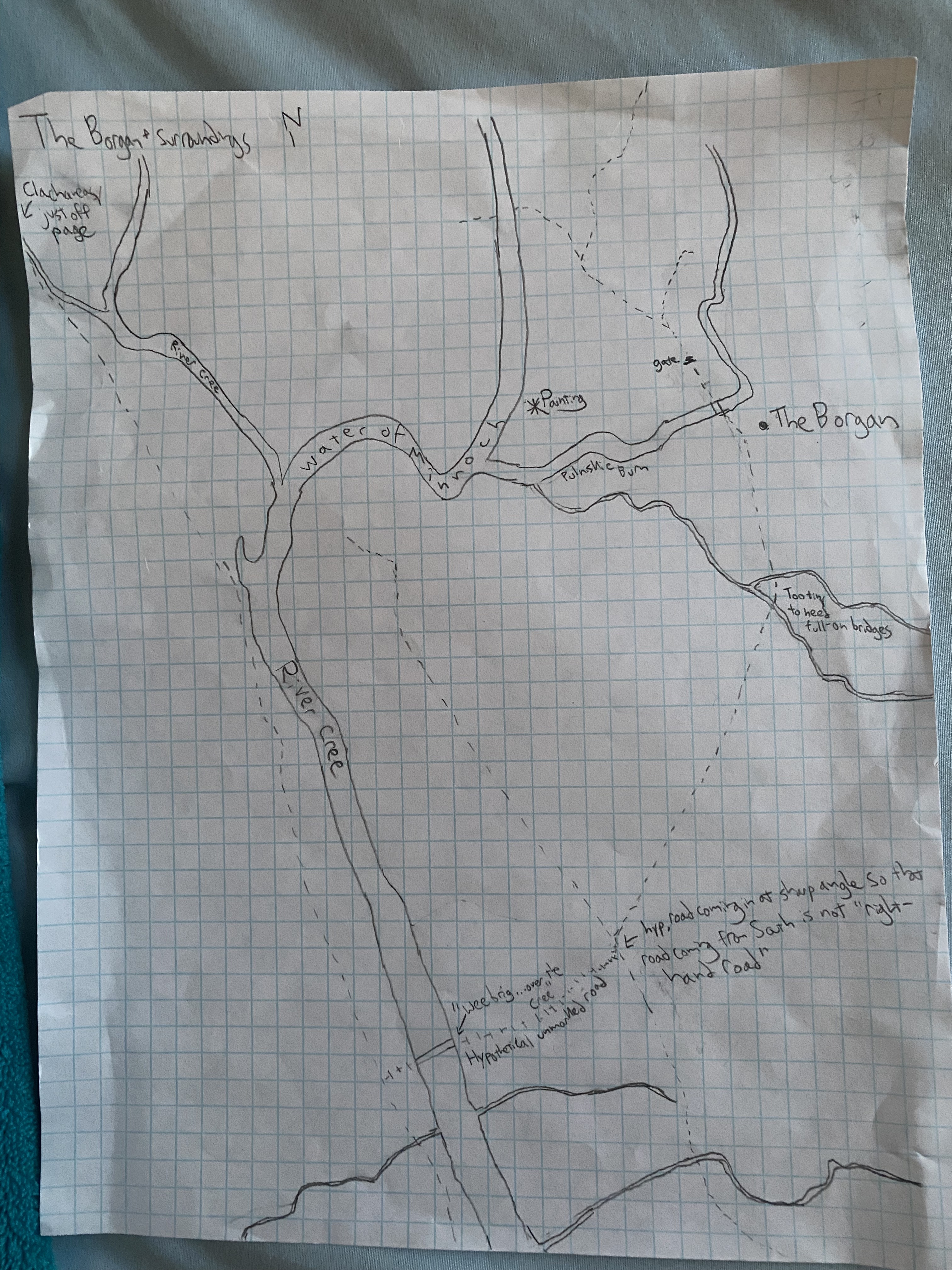
I put that photo in by clicking the downward arrow in the first paragraph block’s toolbar, clicking “inline image”, and selecting this one. But I don’t remember how I got this one into the Media Library in the first place.
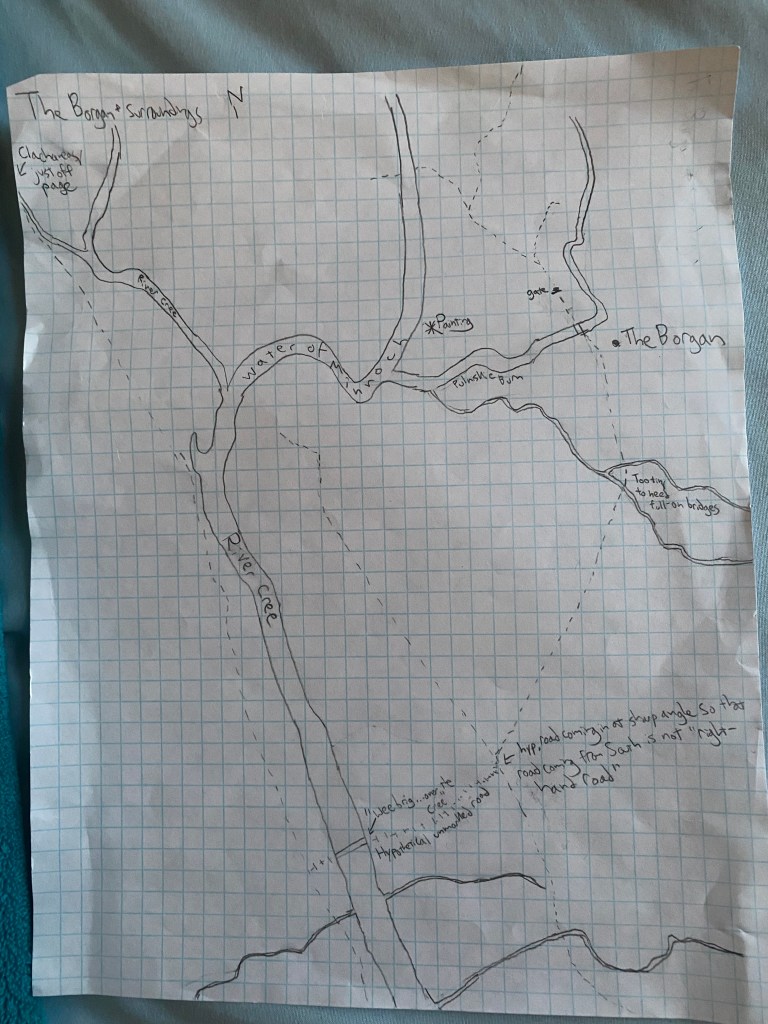
Ah-HA. If you add an image block it lets you upload an image. The above is what resulted.
And hitting “enter” adds a new block. Now what about navigation blocks? Is that what they’re called? No, there’s no option called that. How about if I just link to other pages on the blog here; can I make that look nice?
 Optimal Toucan